Skip to content

Baby tracking for parents and sitters

Zero-touch logging. Know the next flow before it starts.

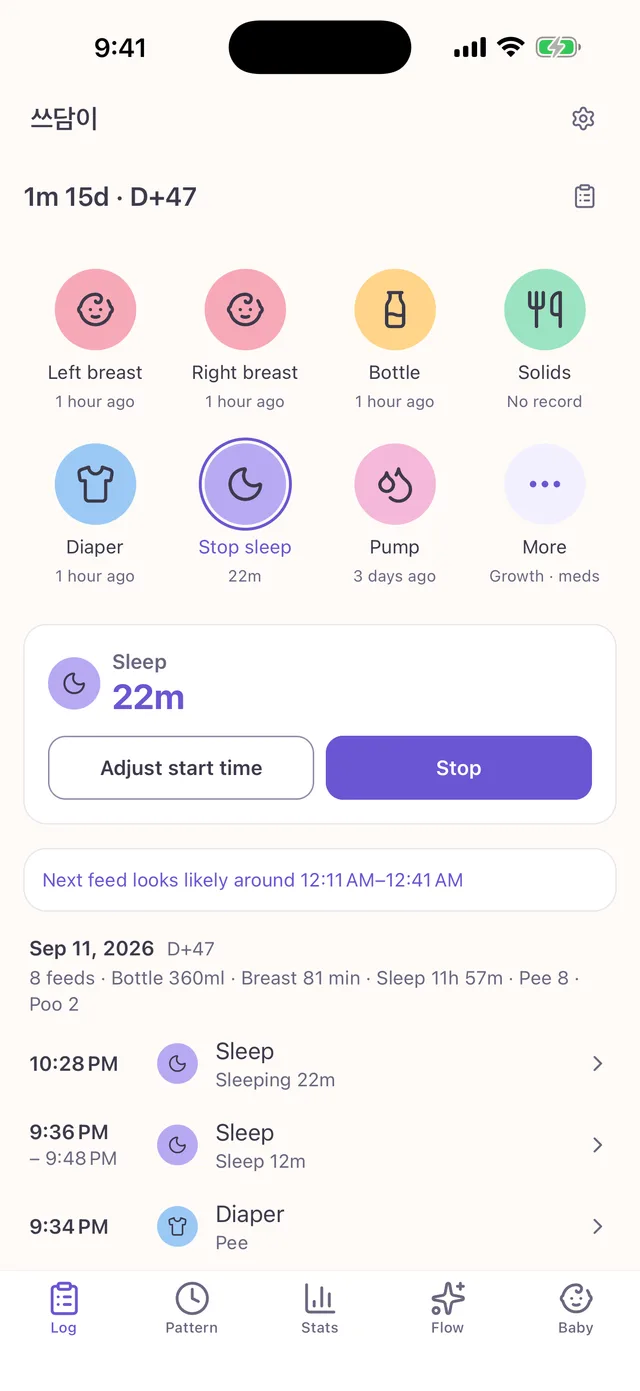
One hand is enough. Tap once from the lock screen widget to log a feed, a nap or a diaper — and Baby Flow tells you when the next feed and the sleep golden window are coming.

See pricing

Three things that are different

Give the time you spend opening a tracking app back to your baby.

Zero-touch logging

Log without opening the app

Record straight from the home screen widget, the lock screen widget, and a Live Activity that shows the running timer. Taps made offline sync as soon as the network comes back.

  • One-tap start and stop from home and lock screen widgets
  • Feed and sleep timers on the Live Activity and Dynamic Island
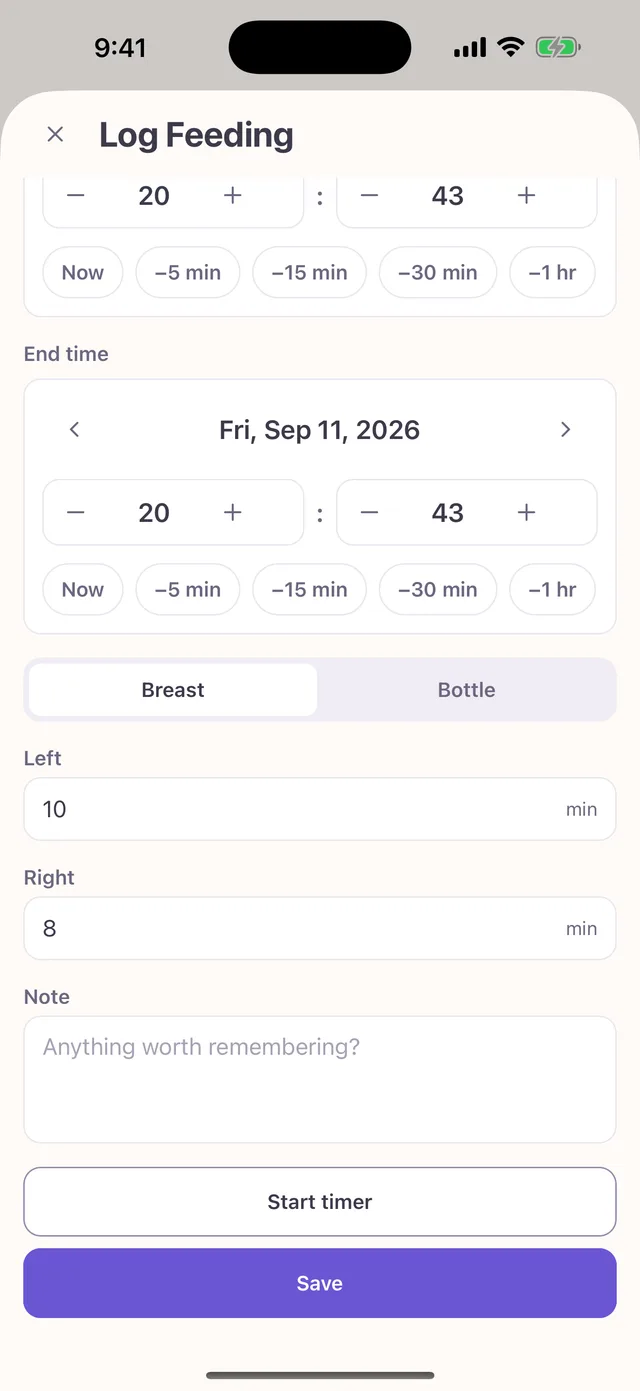
  • Bottle and pump log in one tap using your last amount
  • Offline taps queue up and sync automatically

Smart Flow

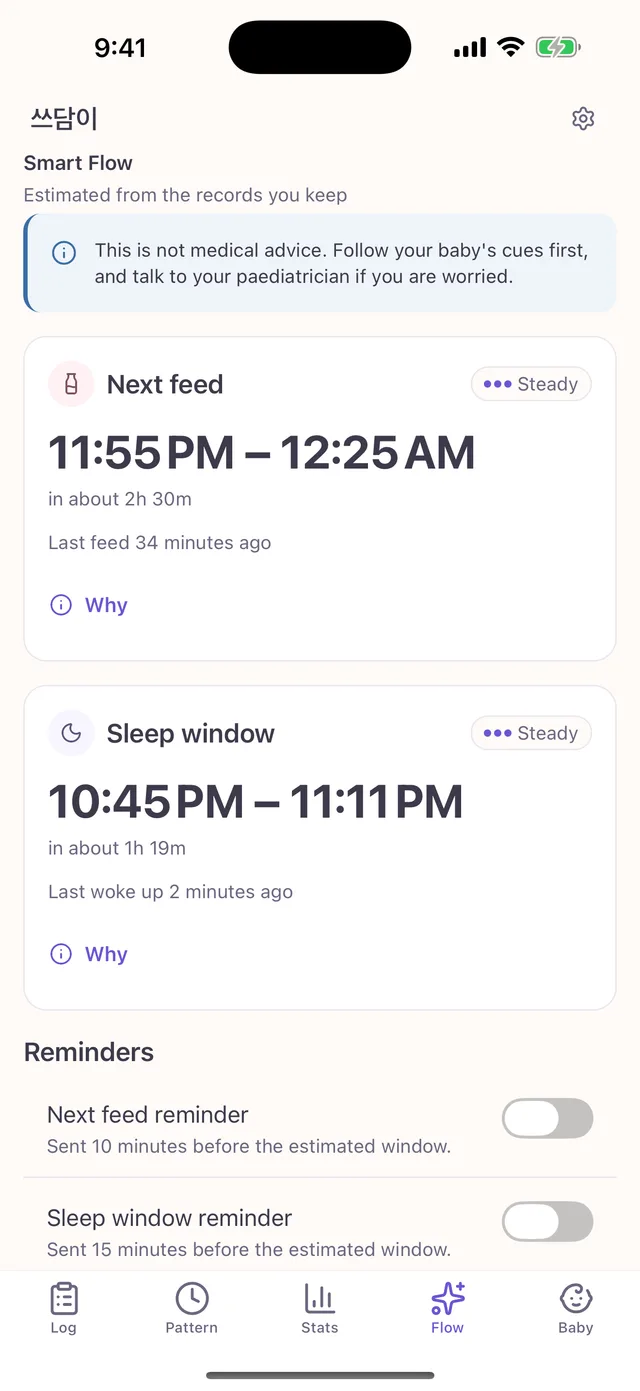
See the next feed and the sleep golden window

Baby Flow reads your recent logs to work out your own baby’s rhythm and shows the next feed window and the best window to settle for sleep — always with the reasoning behind the number.

  • The next feed shown as a window, not a false-precision minute
  • Sleep golden window based on age-appropriate wake windows
  • Falls back to age defaults with little data, adapts as logs build up
  • Reminders 10–15 minutes ahead, never during your quiet hours

Smart Flow predictions, statistics and growth percentiles are informational only and are not medical advice. Follow your baby’s cues first, and talk to a paediatrician if anything worries you.

Sitter handoff

Hand over one card, not a conversation

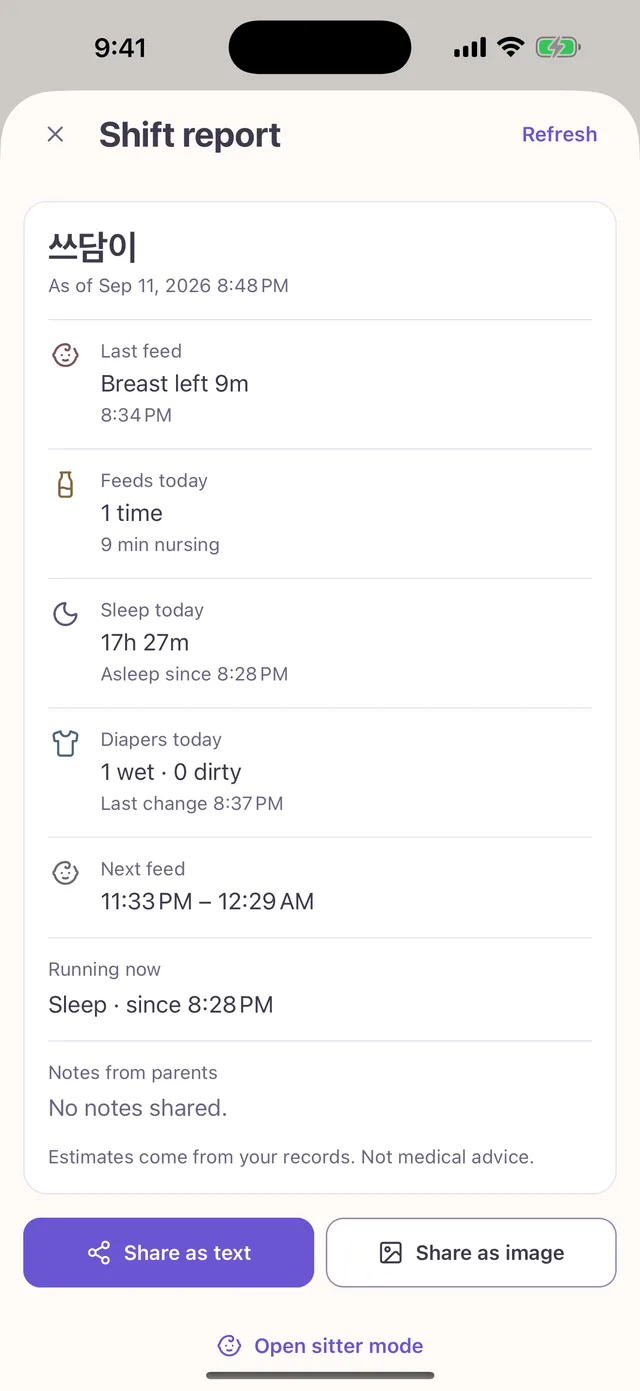
Last feed, today’s naps, diapers, running timers and your notes summarised into one shareable card. Invite a sitter and they see only the screens they need to log.

  • Today’s feed count and volume, sleep total and diaper summary
  • Running timers and parent notes from the last 24 hours
  • Copy as text and send it in any messenger
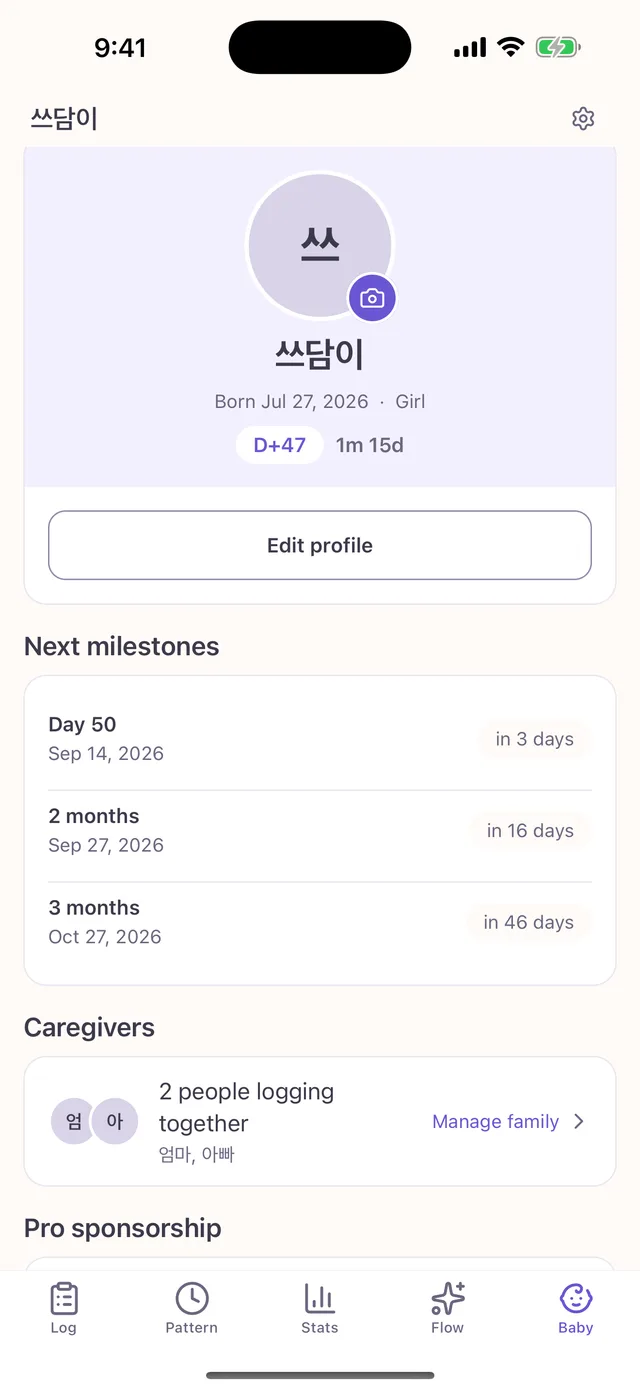
  • Add a sitter with an invite code and remove them any time

Pricing

Logging and timers stay free. Pro removes the limits and the ads.

Pricing
FeatureFreeLogging and timers, always freeProPer baby — applies to the whole family
Logging and timersIncludedIncluded
Family members2 caregivers + 1 sitterUnlimited
History rangeLast 30 daysEverything
AdsBottom bannerNone
Widgets, lock screen, Live ActivityStatus onlyOne-tap logging
Next feed predictionIn the appApp + reminders
Sleep golden windowPreviewFull + reminders
CSV / Excel exportNoIncluded

Prices are announced together with the store release.

The yearly plan starts with a 7-day free trial.

Billing goes through the App Store or Google Play, and you can cancel any time from the store’s subscription settings.

Frequently asked questions

Anything else? Support is one email away.

How do I invite my family?

Go to Settings › Family, create an invite code and share it. The other person enters the code in the app or opens the invite link. The free plan covers 2 caregivers plus 1 sitter.

My logs are missing on another device.

First check that you are signed in with an account that joined the same baby. Entries made offline are queued locally and sync automatically once the network is back.

Why can’t I see logs older than 30 days?

The free plan shows the last 30 days. Nothing is deleted — subscribing to Pro brings back the full history and the statistics that go with it.

How accurate are the predictions?

They are statistical estimates from your recent logs, not medical advice. Accuracy improves as logs build up; with little data Baby Flow falls back to age-based defaults.

How do I cancel my subscription?

On iOS: Settings › Apple Account › Subscriptions. On Android: Play Store › Subscriptions. Pro stays active until the end of the period you already paid for.

How do I delete my account and data?

In the app go to Settings › Account › Delete account. If you cannot open the app, use the email process described on the account deletion page.

Support

Start tonight, with one tap

Install Baby Flow and log your first entry. A demo mode is available if you want to look around without an account.